One input—or a stereo pair
Run each input separately in mono, or link adjacent inputs into one stereo channel. Stereo pairs show separate left and right meters with shared controls.
Explore channel setup ↗
Control six UR44C inputs, backing tracks, per-channel DSP, the stereo master and USB output routing from one touch-ready Android mixer.
UR44C Mixer receives the interface inputs over USB, processes and balances them in the app, then sends the combined mix back to the UR44C. The app’s faders and effects act on the sound in that path.
Live inputs and local MP3/WAV files
Channel levels · effects · master
Choose the output route for the mix
Important: direct monitoring on the interface bypasses the app’s channel controls. To hear app processing, monitor the signal routed back from the mixer.
Keep the important controls close. Set up each input for the source connected to it, and save the mix you want to return to.
Run each input separately in mono, or link adjacent inputs into one stereo channel. Stereo pairs show separate left and right meters with shared controls.
Explore channel setup ↗
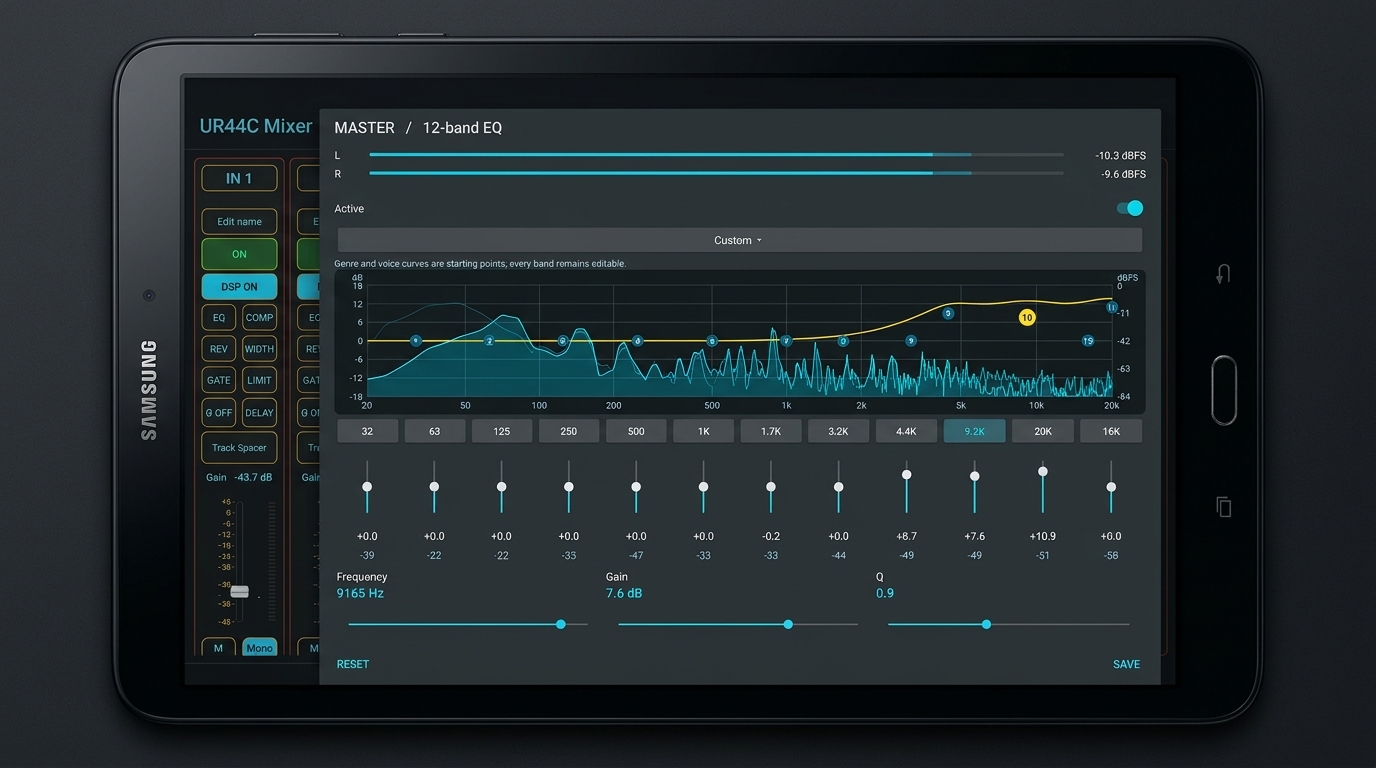
12-BAND EQ · DSPOpen EQ, compressor, reverb, gate, limiter, delay, phase and stereo width on the channel that needs it. A vocal and a synthesizer can keep different settings.
See channel effects ↗Pick songs from your device or a folder. Play MP3 and WAV files through the same mixer as the live inputs, with a scrollable track list and next/previous controls.
See the player workflow ↗Choose a sidechain source, set the frequency range and amount, and let the selected channel duck when that source is active. Useful for vocals over a backing track or synthesizer.
Understand sidechain ducking ↗
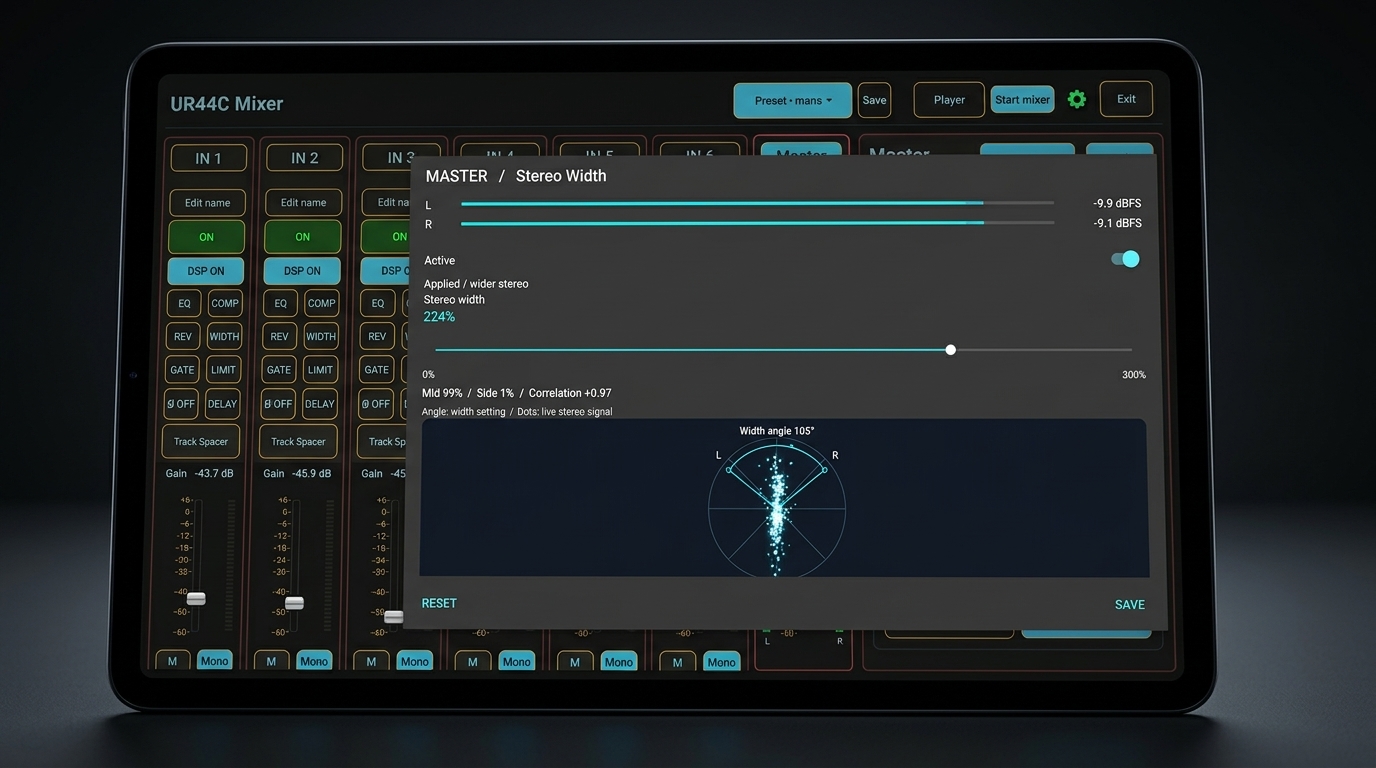
STEREO WIDTH · MASTERControl the stereo master level, mute, left/right balance and processing. Then choose Master / Master, Voice / Backing, or Voice / Master routing for Main / Line 1 and Line 2.
See master output routing ↗Save complete mixer presets on the device and recall channel layouts, levels, effects, master settings and output routing for different live sets.
Work with mixer presets ↗Build the channel layout around the instruments actually connected. Pair inputs only when they carry the left and right sides of the same stereo source.
Microphone → Input 1 · Backing track → Player · Both sources → channel controls → Master.
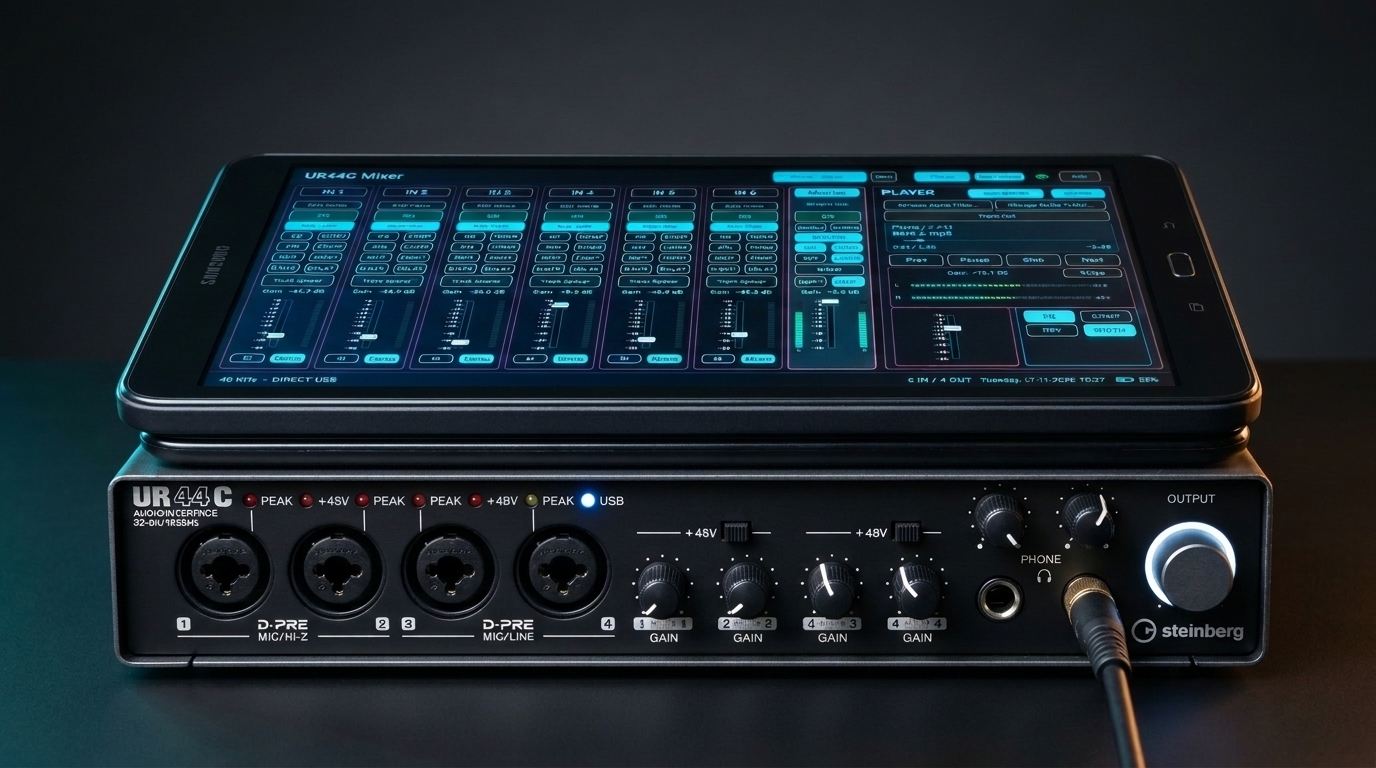
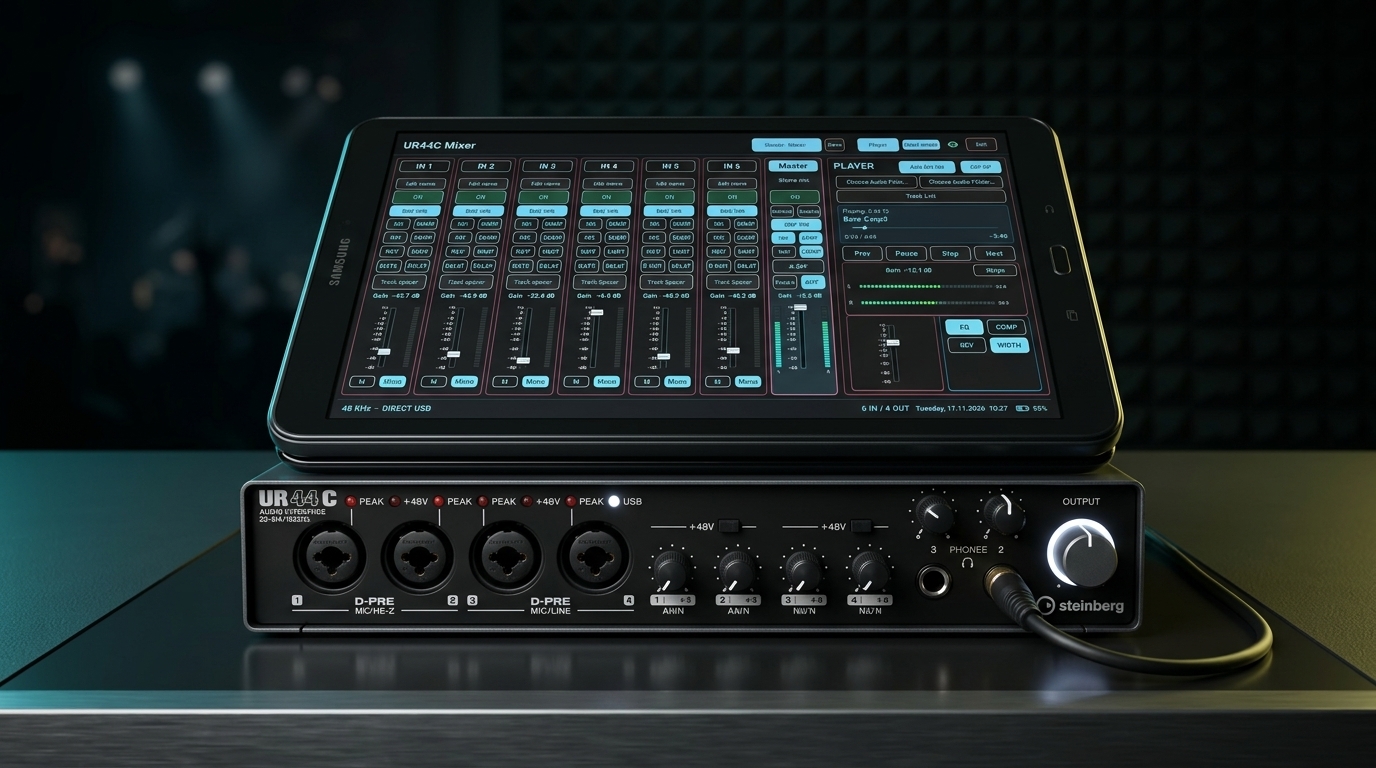
Real photos of UR44C Mixer running on the Galaxy Tab A6. The six inputs, player, master controls and output routing are visible on the screen.

Start with the setup guide or download the latest published build.